
Factory Reset Instructions
The AP (Access Point) ships with factory default settings. If you ever need to restore it to its default configuration, follow the steps below:
-
Turn the Access Point ON and wait until the Status LED turns solid green.
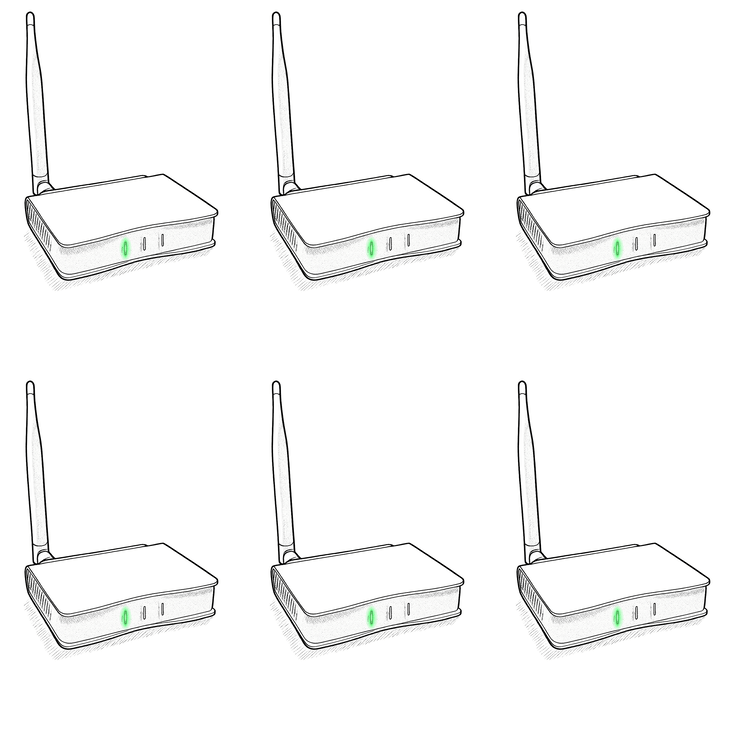
- Press and hold the SET button for 12 seconds.
You'll know as soon as the STATUS light continues flashing yellow. -
The LED on the AP will start cycling through the rebooting process.
-
When the STATUS light changes to solid GREEN, the reset process is complete, and the device is ready for pairing.